Get it at http://www.mediafire.com/file/67b1mep0z1evvbh/racer0.9.0_rc3.7z
Changes:
- Reverted SMD camera up orientation, since it sticked to up even if the car was rolling.
- Added 'uniform float2 resolution' parameter for Cg shaders. Used in the motion blur shaders.
- Added theoretical sprung mass weight distribution under Ctrl-9, see also http://www.racer.nl/index.php?jump=reference/carphys.htm#bodymass
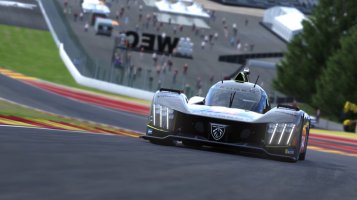
- Motion blur on by default; improved by detecting non-moving objects better.
Changes:
- Reverted SMD camera up orientation, since it sticked to up even if the car was rolling.
- Added 'uniform float2 resolution' parameter for Cg shaders. Used in the motion blur shaders.
- Added theoretical sprung mass weight distribution under Ctrl-9, see also http://www.racer.nl/index.php?jump=reference/carphys.htm#bodymass
- Motion blur on by default; improved by detecting non-moving objects better.

 Yuhuuu let's try it as always, thanks Ruud!